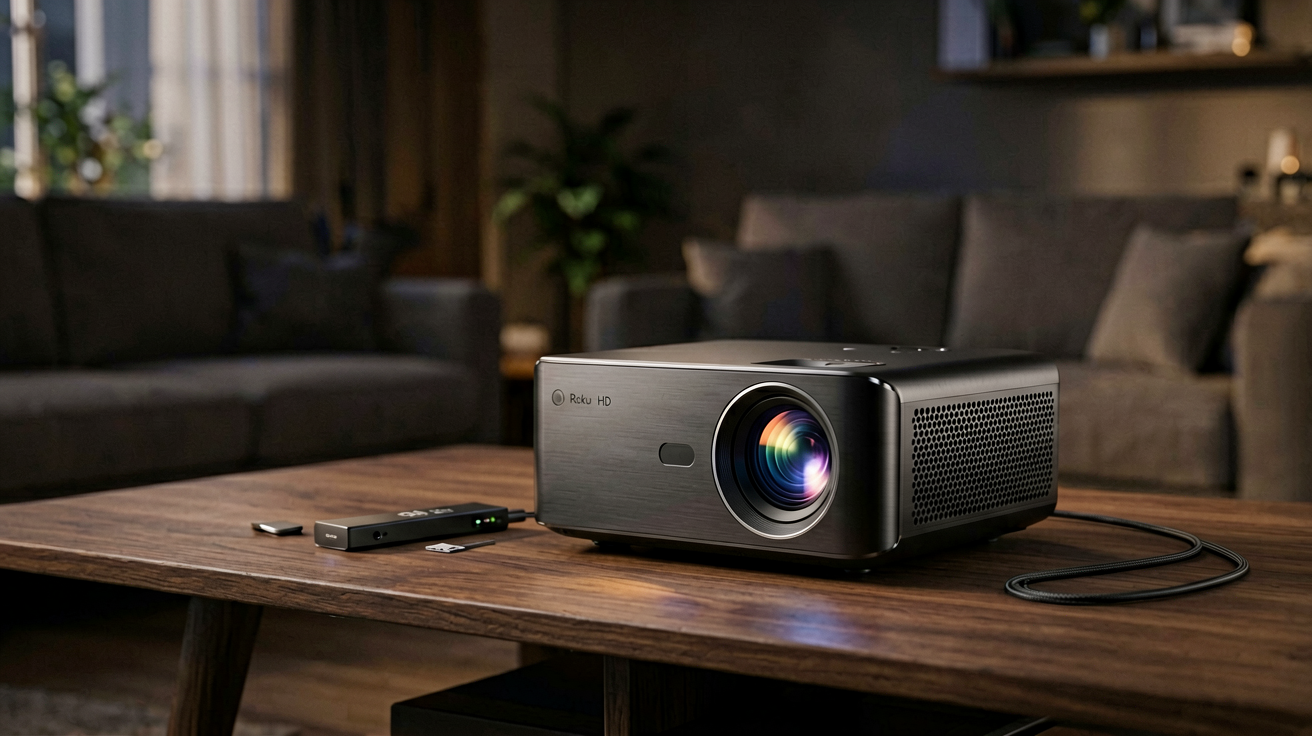
Roku Streaming Stick HD vs 4K Select: Which Streaming Stick to Buy in 2026
The Roku Streaming Stick HD at $29.99 and the 4K Select at $39.99 are both excellent choices. Here is the honest breakdown of when each one earns your money and when you should skip it.
Quick Verdict: Choose the Roku Streaming Stick HD at $29.99 if you have a 1080p TV or watch mostly standard definition content. Choose the Roku Streaming Stick 4K Select at 39.99 if you own a 4K TV and watch enough HDR content to notice the difference. Both share identical interfaces, remotes, and channel libraries, so the decision comes down to your television and your viewing habits.
FTC Disclosure: ShoppingShare participates in the Amazon Associates Program and the Skimlinks network. We may earn a commission on qualifying purchases made through the links below, at no extra cost to you. This does not influence our assessment.
Why Streaming Sticks Still Matter in 2026
Smart TVs have gotten better, but they are still expensive to upgrade and frustratingly slow to respond. The built-in apps on most televisions lag behind the dedicated versions. Software updates arrive months later, if at all. A streaming stick costs less than a restaurant meal and gives your existing television the same app ecosystem as a brand new smart TV.
The streaming stick category has stabilized around two dominant players. Amazon Fire TV dominates the budget segment with frequent sales and deep Prime integration. Roku holds the efficiency lead with faster interfaces, wider app support, and a remote that actually works in the dark. Both are solid choices. This guide focuses on Roku because the product line is simpler to navigate and the HD versus 4K distinction matters more for this brand than for Fire TV.
The Roku Streaming Stick HD: What You Get at $29.99
The Roku Streaming Stick HD is a compact device about the size of a credit card folded in half and an inch thick. It plugs directly into your TV's HDMI port and draws power from a USB cable connected to the TV or a wall adapter. There are no boxes, no separate remotes beyond the included one, and no setup fees.
Key specifications:
- Maximum resolution: 1080p Full HD
- HDR support: None
- Audio: Stereo, Dolby Digital, Dolby Digital Plus
- Remote: Roku Voice Remote with headphone jack
- Connectivity: Wi-Fi 5 (802.11ac), HDMI 2.0
- Dimensions: 3.2 x 1.1 x 0.6 inches
- Weight: 1.1 ounces
The 1080p output is not a limitation for most TVs. According to industry data from 2025 and early 2026, approximately sixty percent of TVs shipped worldwide are still 1080p models, particularly in the budget and mid-range segments. A streaming stick that outputs 4K to a 1080p screen simply downscales the image, which does not improve picture quality. You pay for pixels you cannot see.
The remote deserves special mention. It is backlit, which sounds trivial until you have fumbled for buttons at midnight. The voice button works with Google Assistant and Alexa, letting you search channels, control smart home devices, and check the weather without typing. The headphone jack lets you listen privately without disturbing others, which is useful for late-night watching in shared living spaces.
The Roku Streaming Stick 4K Select: What Changes at $39.99
The 4K Select looks nearly identical to the HD model. Same shape, same remote, same plug-and-play design. The differences are internal and affect only output quality.
Key specifications:
- Maximum resolution: 4K Ultra HD (3840 x 2160)
- HDR support: Dolby Vision, HDR10, HLG
- Audio: Stereo, Dolby Digital, Dolby Digital Plus, Dolby Atmos passthrough
- Connectivity: Wi-Fi 5 (802.11ac), HDMI 2.0 with HDCP 2.2
- Dimensions: 3.3 x 1.1 x 0.7 inches
- Weight: 1.2 ounces
The processor handles 4K decoding more efficiently, which means smoother playback on 4K content and slightly faster app loading times. The HDMI output supports HDCP 2.2, which is required for streaming 4K content from Netflix, Disney Plus, and Amazon Prime Video. Without it, those services downscale to 1080p regardless of what stick you use.
Dolby Vision and HDR10 support mean brighter highlights, deeper blacks, and more saturated colors on compatible TVs. The difference is most noticeable on large screens above fifty-five inches and in dark viewing rooms. On a small TV in a bright living room, HDR improvements are barely perceptible.
Side by Side Comparison
| Feature | Roku Streaming Stick HD | Roku Streaming Stick 4K Select |
|---|---|---|
| Price | $29.99 | $39.99 |
| Max Resolution | 1080p | 4K UHD |
| HDR | No | Dolby Vision, HDR10, HLG |
| Atmos Audio | No | Passthrough supported |
| Remote | Same backlit voice remote | Same backlit voice remote |
| Wi-Fi | 802.11ac | 802.11ac |
| App Library | Identical | Identical |
| Setup Time | 5 minutes | 5 minutes |
The hardware differences are narrow. The software experience is identical. Both sticks run the same Roku OS, support the same channels, and receive updates on the same schedule. If you switch between them, you will not notice any interface difference.
When the HD Model Makes Sense
Buy the Streaming Stick HD if your TV is 1080p, if you mostly watch standard definition content, or if you want to spend ten dollars less on something that works just as well for your setup. The HD model handles Netflix, YouTube, Hulu, Disney Plus, Max, and every other major streaming service without difficulty. The 1080p output matches these services' standard quality tiers perfectly.
It is also the right choice for secondary TVs. Guest rooms, dorm rooms, and bedroom setups rarely justify a 4K stick when the TV is under forty inches and the viewing distance is short. The HD model saves money without visible quality loss in those scenarios.
When the 4K Select Justifies the Extra Cost
Buy the 4K Select if your TV is 4K and you watch enough HDR content to appreciate the difference. If you stream a lot of Netflix originals, Disney Plus movies, or Apple TV Plus titles in 4K, the upgraded picture quality is noticeable on a proper 4K display. The Dolby Vision support alone is worth the ten dollar premium if your TV supports it.
The 4K Select is also the better choice if you plan to keep your TV for several years. As more streaming services expand their 4K catalogs, a 4K stick will stay relevant longer than a 1080p model. The upfront savings of the HD stick become a disadvantage as content quality improves.
The Remote Question
Both models include the same Roku Voice Remote, and that is genuinely one of the best remotes in the streaming device category. The backlit buttons are evenly spaced, the voice button is large and reachable, and the directional pad has just the right amount of resistance. Many competitors skimp on remote quality, which is why Roku buyers often keep the original remote even after upgrading to a more expensive model.
The headphone jack is a feature many users discover only after buying. It lets you plug in wired earbuds for private listening, which eliminates the need to turn down the TV volume at night. Wireless headphone support exists through Bluetooth on newer Roku models, but the wired option is more reliable and introduces no audio delay.
Performance and Real-World Use
Neither stick is a gaming console, and neither claims to be. App switching takes one to two seconds, channel loading is under three seconds, and the interface scrolls smoothly at sixty frames per second. These are not exceptional numbers, but they are fast enough that frustration is rare. The Roku OS prioritizes simplicity over raw speed, and that philosophy serves most users well.
Wi-Fi performance is adequate for 1080p and 4K streaming on a strong network. If your router is more than thirty feet away through walls, consider a Wi-Fi extender or a Ethernet adapter for the most stable connection. Both sticks support the optional Roku Ethernet Adapter, which costs about fifteen dollars and eliminates wireless dropouts entirely.
What Neither Stick Does Well
Streaming sticks share common weaknesses regardless of brand. They do not support local file playback through USB. They do not offer parental controls as robust as dedicated set-top boxes. They do not include a physical TV input selector, so you still need your TV remote to switch between the stick and cable boxes.
The Roku interface surfaces sponsored channels and featured content prominently, which some users find intrusive. You can minimize this by using the home screen customization settings, but it is worth knowing upfront if you prefer a clean, ad-free experience.
Roku vs Fire TV: Quick Context
If you are comparing Roku to Amazon Fire TV, here is the honest takeaway. Fire TV offers better Alexa integration, more frequent sales, and a larger accessory ecosystem. Roku offers a simpler interface, faster app switching, and less sponsor clutter. Both are excellent. The decision usually comes down to which ecosystem you already own. If you have Echo devices, Fire TV feels more natural. If you prefer a neutral platform, Roku wins.
Where to Buy
👉 Check current price on Amazon →
The Roku Streaming Stick HD lists at $29.99 on Amazon with a 4.6 star rating from over 5,900 ratings. The 4K Select lists at $39.99 with a 4.6 star rating from over 72,000 ratings. Both are frequently discounted during sales events, so checking the current price before purchasing is worthwhile.
Final Recommendation
The Roku Streaming Stick HD at $29.99 is the smart buy for 1080p TV owners and casual streamers. The 4K Select at $39.99 is the smart buy for 4K TV owners who watch HDR content regularly. There is no wrong choice between these two, only a choice that matches your television and your viewing habits.
If you are unsure which you need, check your TV's resolution first. Look in the settings menu under display information, or check the manufacturer's website with your model number. If the result says 1920 x 1080, the HD stick is sufficient. If it says 3840 x 2160 or 4K UHD, invest in the 4K Select and enjoy the difference.
Related Guides
- Fire TV Stick HD vs 4K Select: Which To Buy in 2026
- Best Streaming Devices Under $50 in 2026
- Is Fire TV Stick 4K Plus Worth It for Budget Streaming in 2026
Author Notes
This comparison was compiled from official Roku specifications, published product pages, and documented user feedback patterns as of August 19, 2026. We do not own or test products in-house. Prices and availability are subject to change. ShoppingShare participates in the Amazon Associates Program and the Skimlinks network. We may earn a commission on qualifying purchases at no extra cost to you.
External References
- Roku Streaming Stick HD Product Page
- Roku Streaming Stick 4K Select Product Page
- Netflix 4K Streaming Requirements
- Dolby Vision Compatibility Guide
Internal Picks
- Looking for a ready shortlist? See our Mother's Day Gifts
- Looking for a ready shortlist? See our Father's Day Gifts
ShoppingShare participates in the Amazon Associates Program. We may earn commissions from qualifying purchases at no extra cost to you. Our reviews are based on independent analysis of user reviews and product specifications.
More Reviews & Guides
View all →


Found Something You Like?
All prices on Amazon may change. Check the current deal before it's gone.
More Amazon Deals →