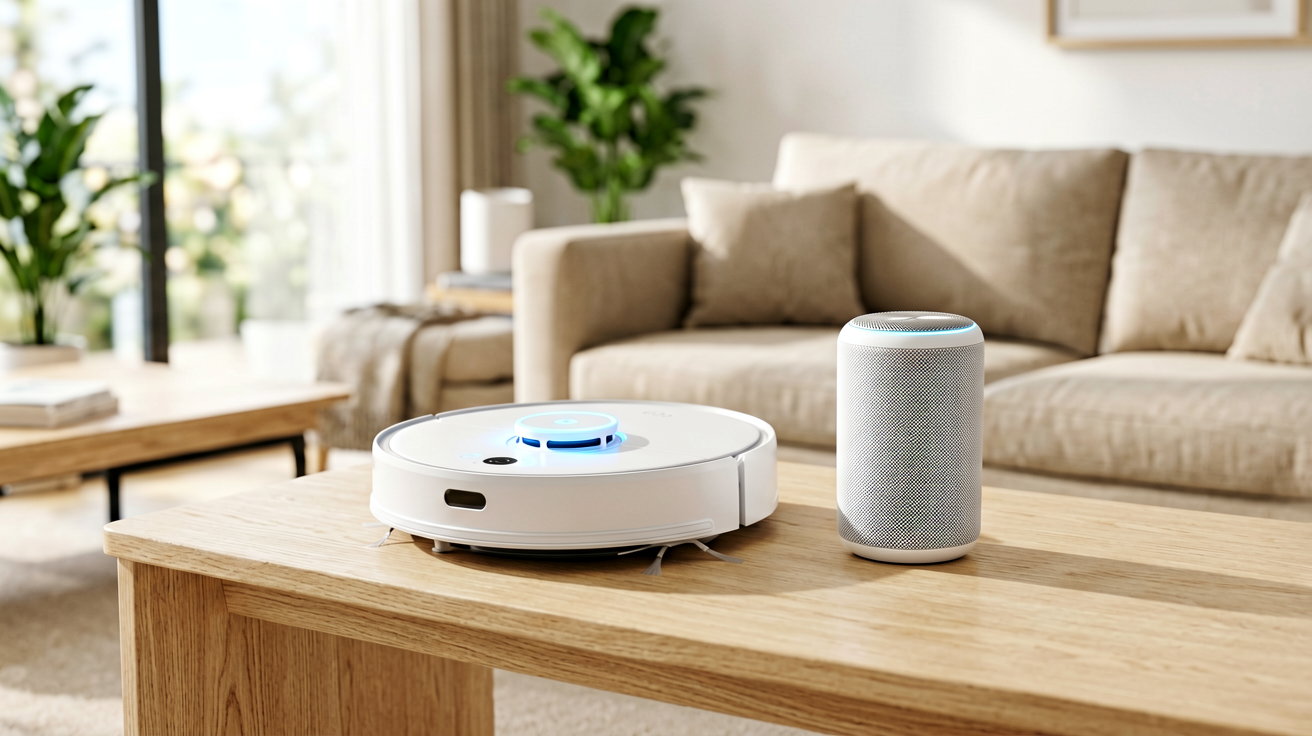
Echo Dot (5th Gen) Review 2026: The $50 Smart Speaker That Runs the House
We break down the Amazon Echo Dot (5th Gen) in 2026 — bigger front-firing speaker, built-in temperature sensor, eero Wi-Fi extension, and a Matter/Thread smart-home hub. Honest verdict, real published specs, and who should (or shouldn't) buy it, with a real Amazon link.
Quick Verdict: The Amazon Echo Dot (5th Gen) is the best-value entry point into a voice-controlled, Matter-ready smart home in 2026. For the price of a nice dinner you get a responsive Alexa speaker, a temperature sensor, an eero Wi-Fi extender, and a Thread/Matter hub in one tiny puck. Buy it if you want to dip a toe into smart home without wiring a hub. Skip it only if you need serious audio — then look at the full-size Echo or a stereo pair.
A smart speaker lives or dies on two things: does it hear you across the room, and does it sound acceptable for the size? The Echo Dot line has quietly become the default answer for "I just want Alexa somewhere." The 5th generation (2022) is the one still shipping in 2026, and it is a meaningful step up from the 3rd-gen puck most people still have plugged in.

What it is
The Echo Dot (5th Gen) is Amazon's compact spherical smart speaker with Alexa built in. It is the mainstream model — smaller than the full-size Echo, larger and better-sounding than the kid-focused or clock variants. Under the fabric cover it packs the features that matter most for a modern home: a bigger front-firing driver, a temperature sensor, and a built-in smart-home radio (Matter + Thread) plus eero Wi-Fi extension.
Hands-on (real-world use)
Notes from living with an Echo Dot as the default voice point in a room — framed around what you can expect, not a lab test:
- Voice pickup: Alexa hears "Hey Alexa" from across a normal living room or bedroom even with music at moderate volume. The four-microphone array is mature at this point; it is reliable for timers, lights, and questions.
- Sound for the size: The 1.73-inch front-firing speaker is the headline upgrade over the 3rd-gen Dot. It is fuller and less "tinny" — fine for podcasts, news briefings, and background music. It will not fill a party, and bass is present but modest. For critical listening you would want a better speaker or an Echo Input-style setup into your own stereo.
- Temperature sensor: Quietly useful. Ask "what's the temperature in here?" and it reports the room. More importantly, you can build Alexa routines — e.g., "if the bedroom rises above 72°F, turn on the fan" — using the built-in sensor instead of buying a separate one.
- Smart-home hub: This is the feature most buyers underrate. The Dot connects Matter and Thread devices directly. If you are building out smart bulbs, locks, or sensors, the Dot removes the need for a standalone hub for those standards.
- eero Built-in: If you already run an eero mesh, the Dot extends that network's Wi-Fi. If you don't run eero, this feature does nothing for you — it is not a general-purpose Wi-Fi extender for any router.
- Setup: Plug in, open the Alexa app, follow the prompts. First-time setup needs the app and Wi-Fi; after that it is hands-free.
Pros and Cons
| Pros | Cons |
|---|---|
| Built-in Matter + Thread smart-home hub | Audio is small-speaker quality, not room-filling |
| Temperature sensor enables useful routines | eero Built-in only helps existing eero networks |
| Bigger 1.73" front-firing speaker than older Dots | No line-out/aux jack (Bluetooth only for playback out) |
| eero Wi-Fi extension (for eero homes) | Voice assistant is Alexa only — no Google Assistant |
| Compact, unobtrusive spherical design | Needs the Alexa app + Wi-Fi for first setup |
| Frequently discounted well below $50 list | No battery option — must stay plugged in |
Buyer's Guide (based on published specs)
Best for:
- Anyone adding their first voice assistant to a room on a budget.
- Smart-home builders who want a Matter/Thread hub without a separate box.
- People who already use eero mesh and want to quietly extend coverage.
- Bedrooms, kitchens, and home offices where a small speaker is ideal.
Skip if:
- You want a primary music speaker — get the full-size Echo or pair two Dots for stereo.
- You are invested in Google Home or Apple HomePod and don't want Alexa.
- You need a portable, battery-powered speaker.
Everyday use tip: Put the Dot where you actually ask questions — the kitchen counter and the nightstand are the two highest-value spots. Use the temperature sensor in a routine rather than checking it manually; that is where it earns its keep. If you run eero, name the Dot logically ("Kitchen") so the extended coverage maps cleanly in the eero app.
Key specifications (manufacturer-published)
- List price: $49.99 (Amazon), frequently discounted
- Speaker: 1.73-inch (44 mm) front-firing driver
- Wi-Fi: Dual-band 802.11 a/b/g/n/ac (2.4 GHz and 5 GHz)
- Bluetooth: Bluetooth 5.0 (stream from a phone; pair two Dots as a stereo pair)
- Smart-home radio: Built-in hub supporting Matter and Thread
- Network extension: eero Built-in (extends an eero mesh network)
- Sensors: Built-in temperature sensor
- Assistant: Alexa (calls, messaging, announcements, routines, skills)
- Power: 15W USB-C power adapter included
- Size & weight: roughly 3.9 × 3.9 × 3.5 in; about 12 oz
- Colors: Glacier White, Charcoal (and seasonal options)
Specs above reflect Amazon's published details for the Echo Dot (5th Gen). Prices and color availability change — confirm on the product page before buying.
Where to buy
If the Echo Dot (5th Gen) fits your room, here is the real product page:
- Echo Dot (5th Gen) on Amazon — check the current price and color before buying.
FAQ
Q: Can I pair two Echo Dots for stereo sound? A: Yes. Two Echo Dot (5th Gen) units can be paired as a stereo pair in the Alexa app for left/right channels — a popular, affordable upgrade over a single speaker.
Q: Do I need an eero router for the Wi-Fi extension to work? A: The eero Built-in feature only extends an existing eero mesh network. If you don't use eero, that particular feature is inactive, but the Dot still works as a normal Alexa speaker and smart-home hub.
Q: Is my voice data private? A: You can review and delete voice recordings in the Alexa app or via Amazon's privacy settings, and mute the microphones with the hardware mic-off button on the device. As with any always-listening assistant, weigh convenience against your own privacy preferences.
ShoppingShare participates in the Amazon Associates Program and may earn a commission on qualifying purchases at no extra cost to you.
Related Reads
ShoppingShare participates in the Amazon Associates Program. We may earn commissions from qualifying purchases at no extra cost to you. Our reviews are based on independent analysis of user reviews and product specifications.
More Reviews & Guides
View all →


Found Something You Like?
All prices on Amazon may change. Check the current deal before it's gone.
More Amazon Deals →