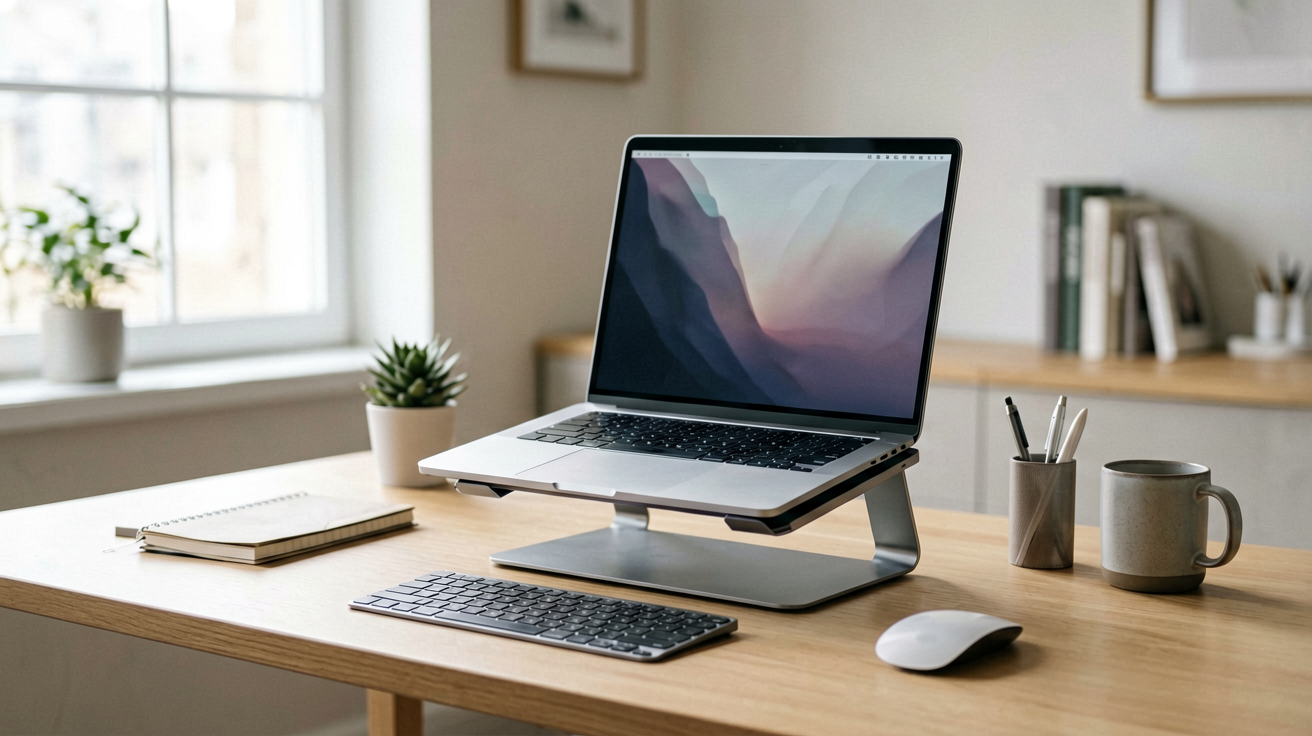
The Best Webcam Lights for Video Calls and Remote Work in 2026
Three webcam ring lights compared for home office video calls, with live prices, ratings and honest notes on brightness, mounting and who each model is wrong for.
The Best Webcam Lights for Video Calls and Remote Work in 2026
My first work-from-home setup had a window behind my chair and a bare bulb overhead. On Zoom I looked like a hostage video. The rings around my eyes, the shadow carved into my cheekbones, the way my forehead glowed while my mouth sat in darkness. I bought a cheap ring light from a hardware store and it solved the problem in twenty minutes.
If you are on video calls regularly and your lighting is the kind that makes you look exhausted even when you feel fine, this guide covers three solid options with real prices and ratings, plus what each one is wrong for.
What to Look for in a Webcam Ring Light
The single most important factor is how you mount it. A light that clips to your screen will shift if you bump your desk. A desk stand takes up valuable real estate. A monitor-clip design sits on the bezel and stays put unless you move the whole screen.
Brightness matters more than most people expect. Cheap lights max out at a level that looks washed out on camera. A 2700K to 6500K color range lets you warm things up for evening calls or cool them down for morning meetings. Dimming is equally useful. A light that only turns on and off feels like a light switch, not a tool.
The second factor is the size of the ring. A four inch ring produces softer light than a six inch one, but both are small enough for a desk. Anything larger becomes a floor lamp in disguise.
The third factor, and the one that separates good from great, is consistency. Some lights pulse or flicker on camera even when they look steady to your eyes. That is usually a sign of cheap driver circuitry and something to avoid.
1. Video Conference Lighting Kit (Clip On Laptop Ring Light)
Who should buy this and why now: you want the simplest possible setup, you are on calls three or more times a day, and you do not want to think about your lighting anymore.
At $23.99 with a 4.4 out of 5 rating from over 1,400 ratings (as of August 4, 2026), this is the default choice for people who just want it to work. The clip design fits most laptop screens without tools, and the adjustable arm lets you angle the light toward your face rather than straight at the camera. That angle matters more than you would guess.
The color temperature range on this model is wide enough for most office lighting situations. You can dial it warm for evening calls when your home environment is already cozy, or cool it down for morning meetings that need to feel crisp and professional.
The build is plastic but not fragile. The clip has enough tension to stay put through normal desk bumps, and the arm locks securely at whatever angle you set it. If you are the kind of person who taps your desk while thinking, you might find it loosens slightly over weeks. A small amount of friction tape on the joint helps.
Who it is NOT for: anyone with a laptop that has no usable bezel. The clip needs something to grab onto, and ultrabooks with near-zero bezels leave it with nothing to hold. You would need to move to a desk stand or a completely different mounting solution.
Pros
- Simple clip on design that works on most laptops
- Wide color temperature range
- Affordable price for what you get
Cons
- Clip tension can loosen on smooth bezels over time
- Arm may need occasional readjustment
- Not ideal for bezel-less laptops
2. Webcam Light Ring Light for Logitech C920 and Similar
Who should buy this and why now: you already have a decent webcam and want a light that complements it without taking up desk space or looking like a gimmick.
At $27.90 with a 4.2 out of 5 rating from over 2,600 ratings (as of August 4, 2026), this option has a longer rating history than most competitors, which tells you something about long term reliability. The design is tighter and more focused than the clip on alternative, and it attaches directly to your webcam or monitor rather than your screen.
This means it does not compete with screen space and it stays aligned with your camera no matter how you position your laptop. If you regularly switch between your laptop and an external monitor, this light follows your camera rather than your screen, which is a small but meaningful advantage.
The brightness output is solid for the price range, and the color temperature feels natural on camera without the yellow cast that cheap LEDs sometimes produce. It is not the brightest light in this comparison, but it is the most balanced.
Who it is NOT for: anyone whose webcam is built into their laptop and has no external mounting point. This design assumes you can clip it to something, and if your only camera is the one built into the screen lid, you are out of luck unless you add a separate webcam.
Pros
- Long rating history suggests real durability
- Attaches to webcam or monitor, not screen
- Natural color rendering on camera
Cons
- Requires a mounting point on your camera or monitor
- Not the brightest option in this comparison
- Slightly more expensive than the basic clip on model
3. Portable Laptop Stand with Built In Lighting
Who should buy this and why now: your laptop sits too low on your desk and you need both ergonomic elevation and better lighting in one move, and you want to spend the least possible money to solve both problems.
At $12.99 with a 4.5 out of 5 rating from over 16,000 ratings (as of August 4, 2026), this is the best value pick in this guide by a wide margin. The rating count alone tells you this is a proven product with real long term use. The dual purpose is the selling point. You get a standing desk converter for your laptop and a light that comes with it, so you solve two problems with one purchase.
The light is not as bright as the dedicated ring lights above, but it is surprisingly effective for the price. It fills in shadows rather than replacing your main light source, which means it works best when you already have some ambient light in the room. Put it in a dark space and even this modest output will look underwhelming.
The stand itself is stable and adjusts to a reasonable range of heights. If you already have a monitor riser or a desk converter, this adds nothing new, but if your laptop sits flat on the desk and your neck hurts from looking down, this is a genuine upgrade.
Who it is NOT for: anyone who needs a dedicated, bright ring light for professional quality video. This is a complementary light, not a replacement for proper lighting. If you do broadcast work or need to look good on camera in low light conditions, spend the extra money on one of the dedicated options above.
Pros
- Best value at under $13
- Serves dual purpose as laptop stand
- Over 16,000 ratings proves long term reliability
Cons
- Light output is modest compared to dedicated ring lights
- Only useful if you need elevation too
- Cannot replace a proper key light in dark rooms
Is a Ring Light Worth It for Video Calls?
Yes, if your current lighting makes you look worse than you actually do. The difference between a flat overhead bulb and a ring light at eye level is dramatic on camera, and the investment is small compared to the time you spend on calls.
The one situation where it does not help is when your room already has good, even lighting from a window in front of you. In that case you are buying a solution to a problem that does not exist, and the light will just add glare or a halo effect around your head.
For the vast majority of remote workers who have windows behind them or single bright ceiling lights, a ring light is one of the highest return upgrades you can make to your video presence.
What I Would Buy
If you want the simplest setup and your laptop has a normal bezel, the Video Conference Lighting Kit at $23.99 is the answer. It works out of the box, it covers the important features, and it costs less than a decent dinner for two.
If you have a separate webcam or monitor and want something that stays aligned with your camera, the Webcam Light at $27.90 is the better long term choice despite the slightly lower rating.
If you need to raise your laptop anyway and want to save money, the Portable Stand at $12.99 solves two problems at once and the 16,000 rating count says it will last.
Start with the one that matches your current problem rather than the one that looks best on paper.
FAQ
Q: Do I really need a ring light for video calls?
If your window is behind you or your ceiling light casts harsh shadows under your eyes, a ring light makes a visible difference. It puts even, flattering light on your face and removes the dark circles that make you look tired on camera. You do not need one if your room already has soft, even lighting from a window in front of you.
Q: Which ring light mounts to my laptop?
Clip on designs that straddle your screen work for most laptops up to about 15 inches. If you have a very thin bezel or an ultrabook with a fragile hinge, a desk stand or a light that clips to your monitor top edge is safer. Always check the clip width range before buying.
Q: Can a cheap ring light make me look worse?
Yes, if it is too bright or placed too high. A light aimed straight down creates raccoon eyes and a halo effect on your forehead. Position it at eye level or slightly above, and dim it to about 60 percent of maximum unless you need full broadcast brightness.
Q: Do ring lights work for streaming and content creation too?
They work well for any on camera work where you want even, shadow free lighting. Streamers often pair a ring light with a key light for depth. If you only do casual team calls, a single clip on light is plenty.
Q: How did ShoppingShare choose these webcam lights?
We pull real prices and rating data from live product listings on the day of writing and prefer models with an established rating history over new listings. ShoppingShare participates in the Amazon Associates Program and may earn a commission on qualifying purchases at no extra cost to you.
We may earn commissions from Amazon and Skimlinks partner merchants (affiliate links, supports the site). ShoppingShare participates in the Amazon Associates Program and earns from qualifying purchases at no extra cost to you. Prices and ratings shown were accurate at the time of publication and can change.
Internal Picks
- Looking for ready shortlists? See our Home Office Gadgets
- Check out our Best Desk Gadgets
- See our Work From Home Guide
ShoppingShare participates in the Amazon Associates Program. We may earn commissions from qualifying purchases at no extra cost to you. Our reviews are based on independent analysis of user reviews and product specifications.
More Reviews & Guides
View all →


Found Something You Like?
All prices on Amazon may change. Check the current deal before it's gone.
More Amazon Deals →