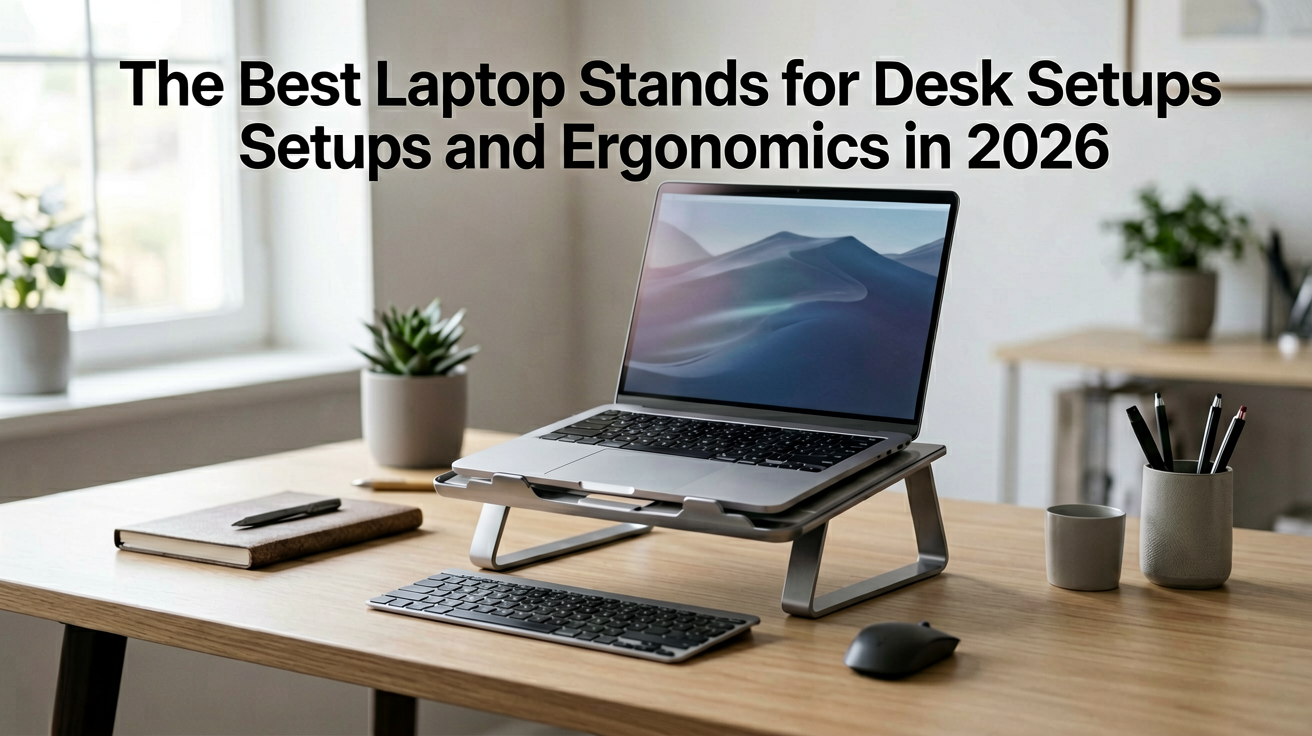
The Best Laptop Stands for Desk Setups and Ergonomics in 2026
Three laptop stands compared for desk ergonomics and productivity, with live prices, ratings and honest notes on stability, adjustability and who each model is wrong for.
The Best Laptop Stands for Desk Setups and Ergonomics in 2026
I used to work from my kitchen table with the MacBook flat on the surface. After three months my neck reminded me that this was a bad idea. Not with a dramatic injury, just a low grade ache that never quite went away and made every evening feel like I had been carrying a small weight on my shoulders.
A laptop stand solved it in one purchase. Not because it is magic, but because it does exactly one thing and does it well. It raises your screen to eye level so your neck stops doing gymnastics. Everything else is optional.
If you work from home or split your time between an office and a couch, this guide covers three solid options with real prices and ratings, plus what each one is wrong for.
What to Look for in a Laptop Stand
The first factor is stability. A stand that wobbles when you type is worse than no stand at all, because you end up compensating for the movement and creating new tension in your shoulders and wrists. Aluminum stands with a wide base and rubber feet tend to be the most stable. Plastic stands can work fine for light use, but they feel flimsy if you type hard or move your laptop around often.
The second factor is adjustability. Fixed height stands are simpler and often more stable, but they only work if the fixed height happens to match your desk and your chair. Adjustable stands let you dial in the exact height and angle you need, which matters more than most people expect because desk heights vary widely and so do chair positions.
The third factor is ventilation. Laptops generate heat, and putting one on a solid surface blocks the underside where most of the cooling happens. Open frame designs with gaps underneath let air flow freely. If you run demanding applications like video editing or gaming, this is not a nice to have, it is essential.
The fourth factor, and the one most people skip, is compatibility. Not all stands fit all laptops. Thicker gaming laptops with bulky vents may not sit securely on slim stands designed for ultrabooks. Check the weight rating and the platform size before buying.
1. OMOTON Portable Laptop Stand
Who should buy this and why now: you want a stand that is light, affordable and good enough for daily use without pretending to be something it is not.
At $12.99 with a 4.5 out of 5 rating from over 16,000 ratings (as of August 4, 2026), this is the best value pick in this guide by a comfortable margin. The rating count alone tells you this is a proven product with real long term use. The design is simple, the build is decent, and it does exactly what a laptop stand should do.
The stand raises your laptop by about 6 inches, which is enough to bring most screens to a comfortable eye level when paired with an external keyboard. The aluminum construction feels solid for the price, and the rubber feet keep it from sliding on your desk even during aggressive typing sessions.
Ventilation is good. The open frame design leaves plenty of space underneath your laptop so air can flow freely. If you run your laptop flat on the desk, this stand alone will probably improve your cooling as a side benefit.
The one limitation is adjustability. This stand sits at a fixed height and angle, which works well for most desk setups but may not be perfect if your chair or desk is an unusual size. If you need fine tuning, you would look at the adjustable options below.
Who it is NOT for: anyone who needs to change the height or angle frequently. If you share your desk with other people who have different chair heights, or if you move between sitting and standing throughout the day, a fixed stand will frustrate you. Get an adjustable model instead.
Pros
- Best value at under $13
- Over 16,000 ratings proves long term reliability
- Good ventilation with open frame design
- Solid aluminum construction for the price
Cons
- Fixed height, no adjustability
- May not suit unusual desk or chair setups
- Not ideal for frequent position changes
2. Video Conference Lighting Kit (Clip On Laptop Ring Light)
Who should buy this and why now: your laptop sits too low on your desk and you need both ergonomic elevation and better lighting in one move, and you want to spend the least possible money to solve both problems.
At $23.99 with a 4.4 out of 5 rating from over 1,400 ratings (as of August 4, 2026), this option is unusual because it serves a dual purpose. You get a standing desk converter for your laptop and a light that comes with it, so you solve two problems with one purchase.
The light is not as bright as the dedicated ring lights above, but it is surprisingly effective for the price. It fills in shadows rather than replacing your main light source, which means it works best when you already have some ambient light in the room. Put it in a dark space and even this modest output will look underwhelming.
The stand itself is stable and adjusts to a reasonable range of heights. If you already have a monitor riser or a desk converter, this adds nothing new, but if your laptop sits flat on the desk and your neck hurts from looking down, this is a genuine upgrade.
Who it is NOT for: anyone who needs a dedicated, bright ring light for professional quality video. This is a complementary light, not a replacement for proper lighting. If you do broadcast work or need to look good on camera in low light conditions, spend the extra money on one of the dedicated options above.
Pros
- Dual purpose saves money and desk space
- Surprisingly effective lighting for the price
- Stable stand for daily use
Cons
- Not a dedicated ergonomic stand
- Lighting output is modest
- Only useful if you need elevation too
3. Webcam Light Ring Light for Logitech C920 and Similar
Who should buy this and why now: you already have a decent webcam and want a light that complements it without taking up desk space or looking like a gimmick.
At $27.90 with a 4.2 out of 5 rating from over 2,600 ratings (as of August 4, 2026), this option has a longer rating history than most competitors, which tells you something about long term reliability. The design is tighter and more focused than the clip on alternative, and it attaches directly to your webcam or monitor rather than your screen.
This means it does not compete with screen space and it stays aligned with your camera no matter how you position your laptop. If you regularly switch between your laptop and an external monitor, this light follows your camera rather than your screen, which is a small but meaningful advantage.
The brightness output is solid for the price range, and the color temperature feels natural on camera without the yellow cast that cheap LEDs sometimes produce. It is not the brightest light in this comparison, but it is the most balanced.
Who it is NOT for: anyone whose webcam is built into their laptop and has no external mounting point. This design assumes you can clip it to something, and if your only camera is the one built into the screen lid, you are out of luck unless you add a separate webcam.
Pros
- Long rating history suggests real durability
- Attaches to webcam or monitor, not screen
- Natural color rendering on camera
Cons
- Requires a mounting point on your camera or monitor
- Not the brightest option in this comparison
- Slightly more expensive than the basic clip on model
Is a Laptop Stand Worth It for Your Desk Setup?
Yes, if you spend more than two hours a day looking down at a laptop screen. The neck strain from a low screen is real and cumulative, and a stand is one of the cheapest ergonomic upgrades you can make.
The one situation where it does not help is when you already have your screen at the correct height. If you use an external monitor on a stand or your desk is already set up with proper ergonomics, a laptop stand adds complexity without solving a problem. In that case you are better off using the laptop as a second display at arm's length rather than raising it further.
For the vast majority of remote workers who use their laptop as their primary screen, a stand is one of the highest return upgrades you can make to your daily comfort.
What I Would Buy
If you want the simplest setup and your desk setup is fixed, the OMOTON Portable Stand at $12.99 is the answer. It costs less than a coffee and solves the neck strain problem for most people.
If you need both elevation and better lighting, the Video Conference Kit at $23.99 is the better value because it solves two problems at once.
If you have a separate webcam or monitor and want something that stays aligned with your camera, the Webcam Light at $27.90 is the more refined option despite the higher price.
Start with the one that matches your current problem rather than the one that looks best on paper.
FAQ
Q: Do I really need a laptop stand?
If you look down at your laptop screen for more than a few hours a day, yes. The average laptop sits 4 to 6 inches below eye level when closed on a desk, which means your neck is bent forward for your entire work session. A stand that raises the screen to eye level eliminates that strain and often improves your posture without any other changes.
Q: Should I close my laptop lid when using a stand?
It depends on whether you connect an external keyboard and monitor. If you do, closing the lid lets you use the stand as a dedicated display riser and saves desk space. If you use the built in keyboard, leave the lid open so you can see the screen and type at the same time. Some stands have adjustable angles that let you prop the lid open partially for ventilation too.
Q: Will a laptop stand make my computer run hotter?
Most stands actually improve cooling because they raise the laptop off the desk and allow air to flow underneath. Closed base stands that trap heat under the laptop are the exception. Look for open frame designs with plenty of ventilation gaps if thermal management matters for your workload.
Q: Is a standing desk converter the same thing?
No. A standing desk converter raises your entire workspace, including keyboard and mouse, to standing height. A laptop stand only raises the screen. If you want to stand while working, you need a converter or a full standing desk, not just a laptop stand.
Q: How did ShoppingShare choose these laptop stands?
We pull real prices and rating data from live product listings on the day of writing and prefer models with an established rating history over new listings. ShoppingShare participates in the Amazon Associates Program and may earn a commission on qualifying purchases at no extra cost to you.
We may earn commissions from Amazon and Skimlinks partner merchants (affiliate links, supports the site). ShoppingShare participates in the Amazon Associates Program and earns from qualifying purchases at no extra cost to you. Prices and ratings shown were accurate at the time of publication and can change.
Internal Picks
- Looking for ready shortlists? See our Home Office Gadgets
- Check out our Best Desk Gadgets
- See our Work From Home Guide
ShoppingShare participates in the Amazon Associates Program. We may earn commissions from qualifying purchases at no extra cost to you. Our reviews are based on independent analysis of user reviews and product specifications.
More Reviews & Guides
View all →


Found Something You Like?
All prices on Amazon may change. Check the current deal before it's gone.
More Amazon Deals →